Self-initiated demo by The Trillium Company. The shop on these pages, Millrace Bike Works, is made up, and its form sends nothing. This is not client work.
A WordPress landing page, duplicated to a second URL
A customer sends us a page in WordPress and asks for a copy at another address with a few changes. This demo shows that job from start to finish: one page built in WordPress and Elementor, then a copy with a visible set of changes and a note that lists them.
The public preview is a static export of the WordPress build. It runs as static files, with one small Pages Function for the form.
Need a WordPress page copied or fixed?
Email [email protected] with the page URL and the change you want. We look at the page first, then quote a fixed price. You review the result before paying by card.
This is the real contact for The Trillium Company. The bike-shop forms on the demo pages are not.
What was done
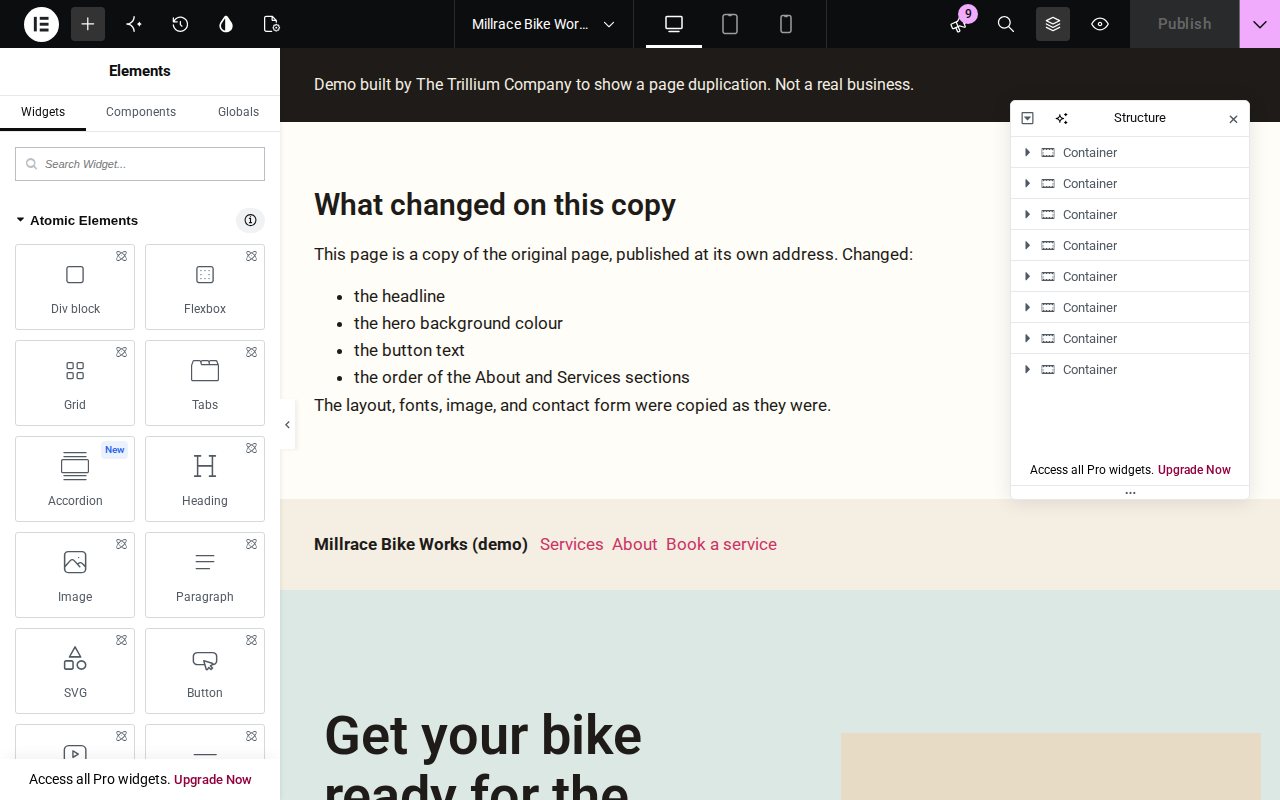
- Built the original page in WordPress with Elementor, on the Hello Elementor theme and Elementor's canvas template. The page has a header line, hero, services, an About section, a contact form, and a footer.
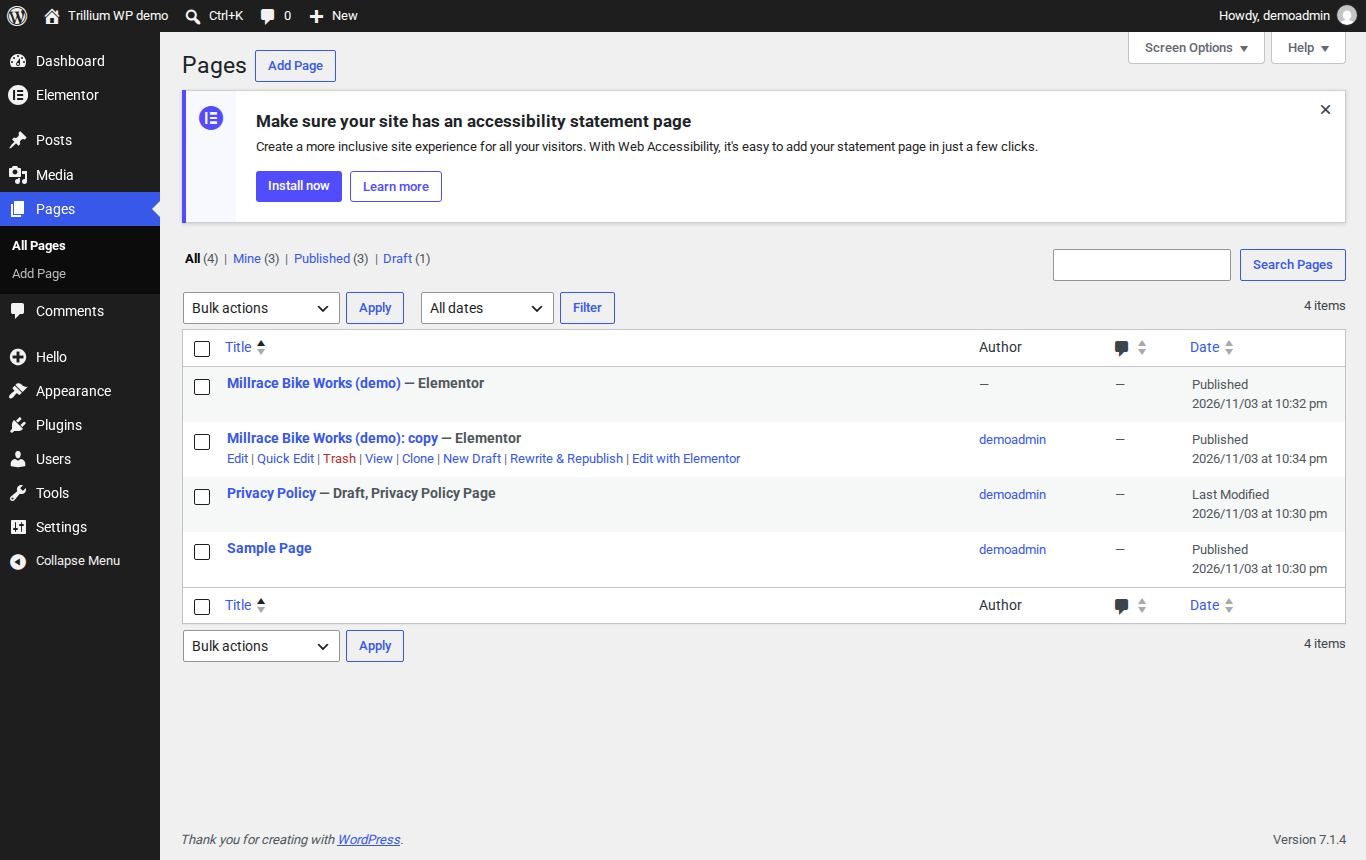
- Cloned the page with the Duplicate Post plugin and published the copy at its own address.
- On the copy, changed the headline, the hero background colour, the button text, and the order of the About and Services sections. Added a short note at the top that lists those changes.
- Added a contact form to both pages. It validates the fields and shows a success message. It stores nothing and sends no email. The form posts to a small Pages Function that runs on this site.
WordPress and Elementor, as built